A Complete Guide on How To Choose Payroll Software For Your Business

TL; DR
When it comes to choosing payroll software, it is about finding one that fits your organizational requirements and makes the payroll process efficient rather than just considering only the feature list. Having the right platform can change the game for the business. On the flip side, getting the software simply because the platform has a fancy set of features can have a drastic impact. This guide walks you through how you can choose payroll software for your business.
How to choose payroll software is a question most businesses only ask once, but the answer affects every payroll cycle. Every business runs payroll the same number of times a year, but not every business runs it the same way. Some teams are still stitching together spreadsheets, bank portals, and a compliance calendar someone checks manually. Others have handed the entire cycle to software and rarely think about it. The difference usually comes down to one decision made months or years earlier: how carefully the payroll software was chosen in the first place.
That decision is harder than one imagines. Vendors demo their best-case scenarios, every feature list starts to look alike, and pricing pages rarely show the full cost until you’re already a customer. Meanwhile, payroll itself isn’t forgiving of a wrong choice – a missed compliance update or a disbursement delay affects every employee on your payroll, not just your finance team.
This guide gives HR leaders and founders a structured way to make that decision: the criteria that actually predict long-term fit, a features checklist to bring into vendor demos, and the exact questions that separate a platform built to last from one you’ll be replacing within a year.
Payroll software evaluation criteria
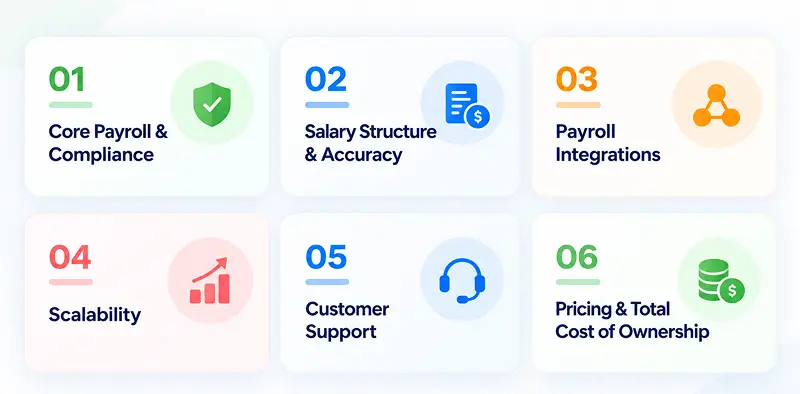
1. Core payroll processing & statutory compliance:
This is the non-negotiable foundation. The platform needs to run gross-to-net payroll correctly every cycle and keep pace with PF, ESI, professional tax, and TDS requirements as they change by state. Always verify current statutory rates against official portals like EPFO or ESIC rather than treating any vendor’s published figures as final – but the software itself should be updating these behind the scenes so your team isn’t tracking notifications manually.
2. Salary structure & accuracy:
Every business has its own mix of pay components – basic, HRA, allowances, variable pay, deductions, and reimbursements. Evaluate whether the platform can handle your actual salary structures without workarounds, and whether calculations stay accurate when attendance, leaves, or overtime change mid-cycle. Errors here don’t just cost time to fix – they erode employee trust in every payslip that follows.
3. Integrations:
Check how payroll data moves between your other business systems – HR and attendance. A platform where these modules already run on one system removes the need for point-to-point integrations altogether.
4. Scalability:
A tool that works comfortably for 50 employees can buckle at 500. Ask how the platform handles multi-location payroll, multiple pay structures, and contractor payments – not just today’s headcount, but where your company will be in two years.
5. Customer support:
Payroll problems are time-sensitive by nature – a processing error two days before payday can’t wait on a support queue. Ask what support looks like during your actual payroll window: dedicated account manager or ticket system, response time commitments, and whether help is available when you need it most, not just during standard business hours.
6. Pricing & Total Cost of Ownership:
Look past the monthly subscription number. Factor in implementation time, training, data migration, and whether features you’ll actually need sit behind expensive add-on tiers. A cheaper plan that requires a consultant every quarter isn’t actually the cheaper option.
Payroll software features checklist
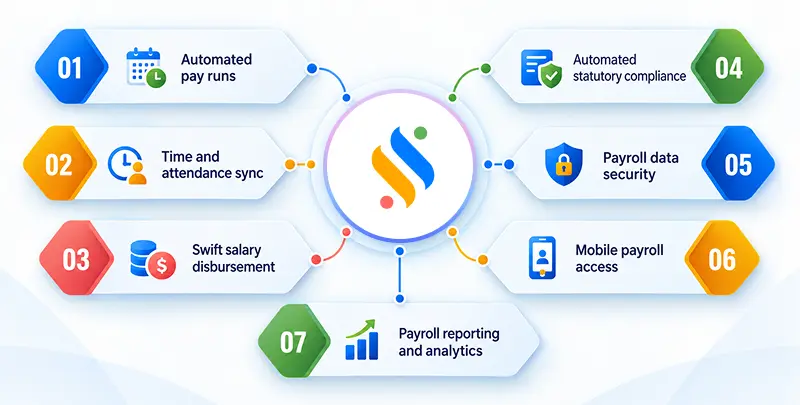
1. Automated pay runs:
Gross-to-net salary computation should adjust on its own for attendance, leaves, overtime, and deductions — not require your finance team to edit a formula every cycle.
2. Time & attendance sync:
Payroll should pull attendance and leave data automatically. The strongest platforms run payroll and attendance on the same system, so a leave approval or attendance correction reflects in the next payroll run without re-entering.
3. Swift disbursement:
Look for direct bank transfers with built-in reconciliation, not manual file uploads to your banking portal. Ask how long disbursement takes from the moment payroll is approved to the moment salaries actually land.
4. Automated statutory compliance:
PF, ESI, professional tax, and TDS should be calculated and updated automatically as rates and rules change — not tracked manually by your HR team.
5. Security:
Role-based access control, data encryption, and a full audit trail should be standard features. Ask specifically who can view or edit payroll data.
6. Mobile access:
HR and finance teams – and often employees – need to check or approve payroll items on the go. Confirm whether the mobile app offers full functionality or a stripped-down version that can’t actually process anything.
7. Reporting & analytics:
Look for payroll cost breakdowns by department, location, or project that can be exported directly for finance and leadership reviews, rather than manually rebuilt in a spreadsheet every reporting cycle.
Let your payroll software do the heavy lifting!
From salary calculations to payslips and compliance, automate your payroll process and manage it smoothly

Common mistakes companies make when choosing payroll software
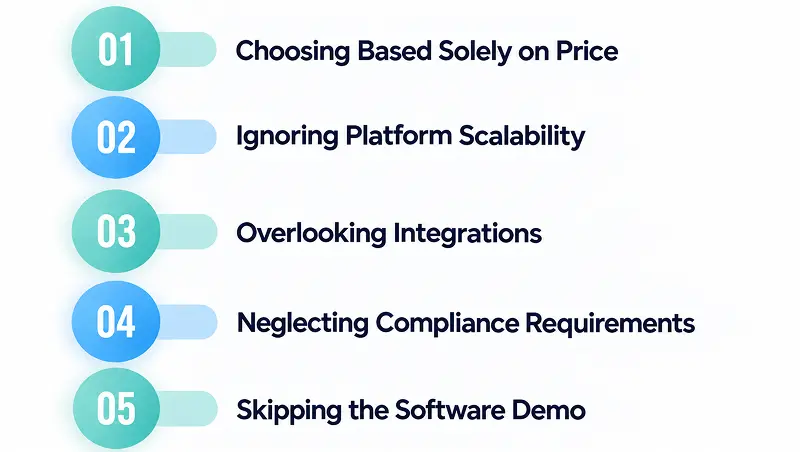
1. Choosing a platform solely based on price:
The cheapest quote rarely stays the cheapest option. Low-cost plans often exclude implementation support, statutory update coverage, or advanced reporting – features you end up paying for later as add-ons. Evaluate total cost of ownership over two to three years, not just the number on the pricing page.
2. Ignoring the scalability of the platform:
A tool that handles 50 employees smoothly can start breaking down at 200 — slower processing, rigid pay structures, or no support for multiple locations.
3. Overlooking integrations:
The payroll system depends on HR data. Teams that focus only on payroll-specific features often end up with a tool that runs well on its own but forces manual data reconciliation with everything else.
4. Neglecting compliance rules and regulations:
Professional tax, PF, ESI, and labour code requirements change by state and update on their own schedule. Choosing software without verifying how quickly it reflects statutory changes is one of the costliest mistakes a company can make – it’s the difference between a routine payroll run and a compliance notice. Always confirm current rates with official portals like EPFO or ESIC rather than relying solely on vendor claims.
5. Not asking for a demo:
Feature lists and pricing pages are only one side of the coin. A live demo shows you how the platform behaves in practice. Skipping this is how companies end up signing software contracts that look right on paper but don’t fit how they actually run payroll.
What are the questions you should ask a payroll software provider?
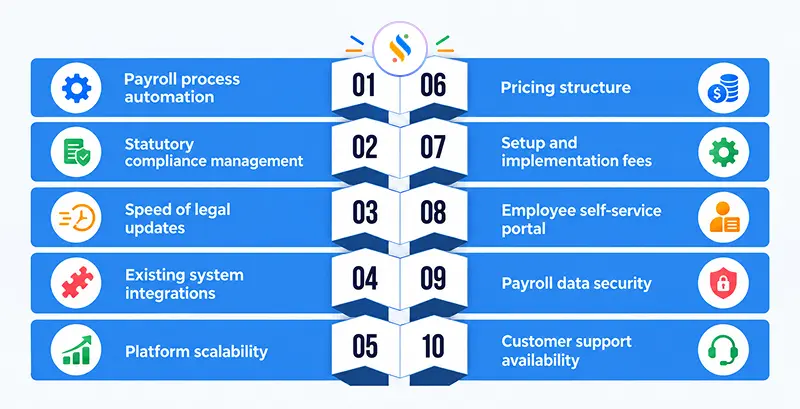
A polished demo can make any platform look good. The following questions one should ask a payroll vendor that cut through the pitch and tell you how the software actually performs once you’re a live customer.
1. How automated is the payroll process?
Ask the vendor to walk you through an actual payroll run, start to finish. If attendance, leave, and overtime data require manual entry or correction before the software can calculate salaries, you haven’t automated payroll – you’ve just moved the spreadsheet into a different tool.
2. Does the platform take care of the statutory compliance?
Get specifics on which compliances are handled automatically – PF, ESI, professional tax, TDS – versus which ones still require manual filing or a third-party consultant. A vague “yes, we’re compliant” answer isn’t enough; ask which filings the system generates directly.
3. How quickly does the system update with the new laws?
Statutory rates and labour codes change on their own schedule, not the vendor’s release cycle. Ask for a use case of how recently a rate or rule change was reflected in the platform.
4. What existing systems does the platform integrate with?
This question tells you how much manual reconciliation you’ll be doing. If the answer involves connecting several separate tools with each other, ask what happens when it breaks. The stronger answer is a platform where everything resides on one system.
5. Can the platform scale?
Ask specifically about your growth plan – new locations, higher headcount, additional pay structures or contractor types. A vendor who can only speak to your current setup hasn’t thought past your first contract renewal.
6. What is the platform’s pricing structure?
Understand whether pricing is per employee, per module, or tiered by feature set, and get clarity on what happens when the headcount grows.
7. Are there setup or implementation fees?
Implementation costs are one of the most common surprises after signing. Ask for a full breakdown — data migration, configuration, and training — before you compare quotes, since a lower monthly fee can hide a much higher one-time cost.
8. Is there a self-service employee portal?
Employees should be able to view/download payslips, update personal details, generate statutory compliance documents, etc. without rushing to HR every time. Ask the vendor to enable the employee self-service feature.
9. How secure is the platform?
When it comes to payroll processing and compliance, every detail is extremely vital. Employees’ personal information, bank details, PAN, UAN, attendance, leave – all of this is sensitive information. Ask about security features like role-based access and encryption.
10. What does your customer support look like?
Find out what support actually means in practice, and whether support is available during your payroll processing window specifically.
Super Payroll: The most trusted payroll solution for businesses in India
If you ask HRs, C-level executives, and founders in India, would they let a payroll solution handle payroll processing and compliance of your business? 9/10 will say yes. But this is also where a challenge comes in- how to choose payroll software.
It’s a pertinent question because getting this decision wrong can mean dealing with heavy penalties. This is where Super Payroll comes in. One of the most trusted and recommended solutions for businesses in India, Super Payroll is more than just a platform with fancy features; it ensures that businesses have efficient payroll processing and compliance management.
And how does it do it? By automating and centralizing the process. Plus, the platform is affordable, implementation and onboarding are smooth, and it has the best support team that ensures seamless payroll processing and compliance.
Conclusion
Payroll processing is more than just an organizational function; it’s a people function. It is an assurance that every employee will receive their pay on time with complete transparency and accuracy. Now, spreadsheets aren’t the answer to doing it effectively.
Plus, there is compliance, too – one mistake there and you are looking at heavy penalties. That’s why businesses decide to have payroll software. But having it isn’t easy, especially when everyone claims to be the best in the market. That’s why HRs, C-level executives, and founders need to learn how to choose payroll software, which is the reason why I have created this blog.
This will give you all the insights you need to deal with vendors, so that you can have the best software. Speaking of best, if you are looking for a solution that offers more than just amazing features, then Super Payroll by Superworks is for you. Book a demo and see the difference for yourself.
Table Of Content
Recent Things

